
Discover MyGO
Manage your accounts, bills and services whenever & wherever you want on MyGO – our online portal.
Discover MyGO
Manage your accounts, bills and services whenever & wherever you want on MyGO – our online portal.
Discover MyGO
Manage your accounts, bills and services whenever & wherever you want on MyGO – our online portal.
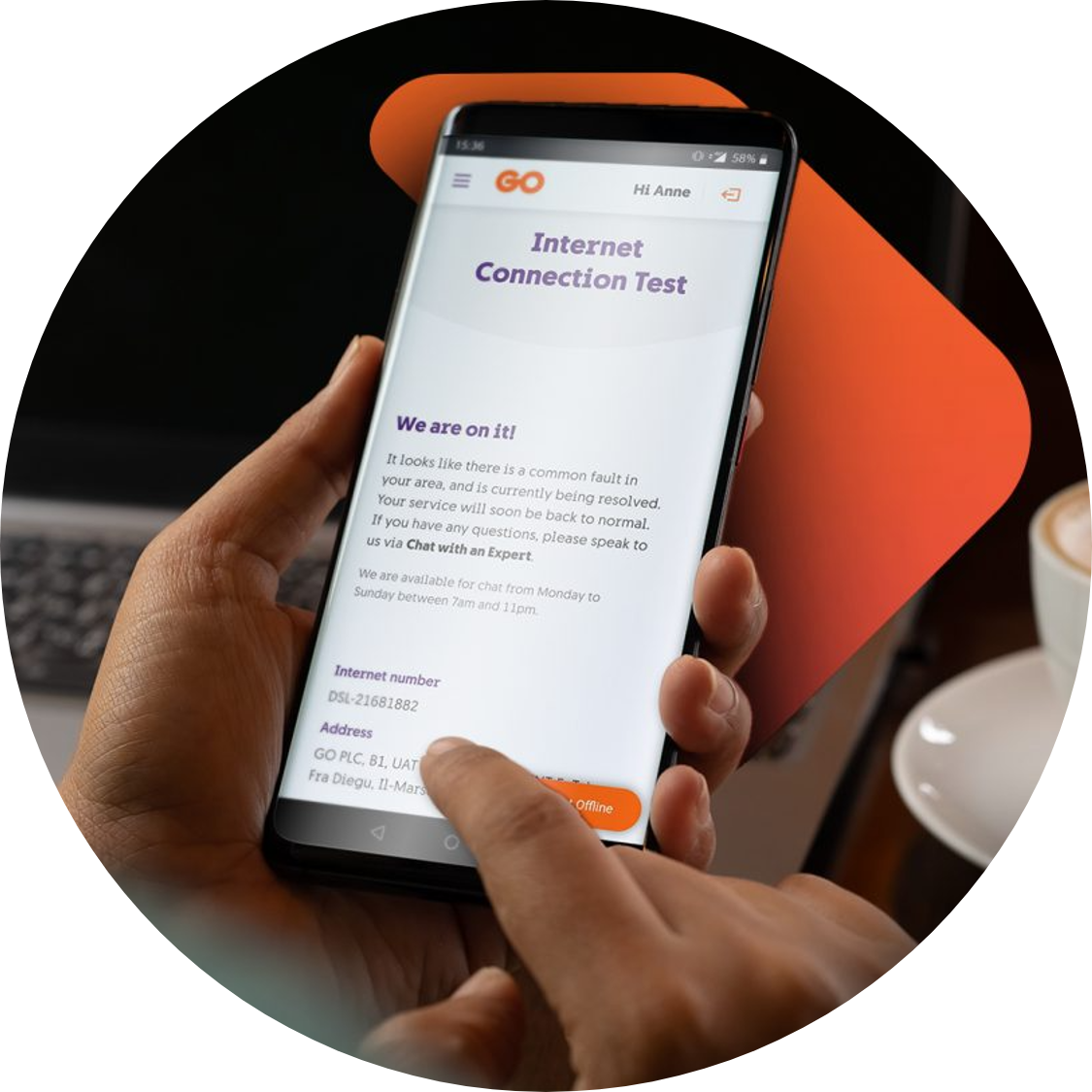
Take control with MyGO
Manage your GO mobile services and accounts from one mobile-friendly interface. With a simple registration, easy access to your bills and payments and an extra-secure login.
Control your accounts & services – link all your GO accounts and services, customise bill delivery preferences and unlink accounts whenever you need.
Bills & payments made easy – view paid and unpaid bills, access itemised bills where applicable, bulk download bills, pay online and view your payment history.
Manage your Direct Debit Mandate – set up and manage your DDM for all your linked billing accounts in a few simple steps.
Stay in control – update your MyGO account settings, including contact details and password, all from one convenient place.
Enjoy a shared experience – both the GO app and MyGO use the same login details, making it effortless to switch between platforms.
Discover what you can do with MyGO
Link & view your bills right on the app
Settle bills directly online
View your payment history details
View your services & switch between them
Add saved cards for instant payments
Create & manage your DDM details
Control your settings on bills, roaming & much more
FAQs
E-billing is an electronic bill delivery method, whereby you will receive an email to your preferred e-mail address, notifying you that your bill has been issued. This email will also include the amount due for that particular bill.
If you would like to view a full copy of your bill, you need to log into MyGO or the GO app and download it.
A great way to do your bit for the environment, you may want to consider changing your bill delivery method from a printed bill to e-billing. You can do so by updating your settings from the GO app, by following the steps below:
- Log into the GO app
- Tap on Payments from the bottom menu
- Select the billing account you wish to update
- Tap on Manage account
- Scroll down to Bill Delivery Method and select Send me bills by email
- Enter your preferred email address and click on the Confirm button
- Scroll down to then click on Confirm changes
You can easily manage all your accounts and bills either through our MyGO platform or the GO app. If you don’t have these set up, here is how you can set them up in no time!
Once you are all set up, you can manage your bills as follows:
GO app
- Log into the GO app
- Tap on the ‘Payments’ tab and click on the account number for which you wish to make a payment
- Click on ‘Pay now’
MyGO
- Log into your MyGO account
- Click on ‘Bills and Payments’ from the top menu
- Click on the account number for which you wish to settle a bill
- Click on ‘Make a payment’
- Click on ‘Pay now’
Since your login email is linked to your MyGO account, you are unable to change it to a different email.
Having said that, if your email has been compromised or you wish to change it for personal reasons, get in touch with on WhatsApp, Facebook Messenger or Live Chat as soon as possible. We’ll proceed with deleting your MyGO account and then create a new one using your preferred email.
There are various reasons why you may not be seeing all your billing accounts. Here are some possible reasons:
1. Your billing accounts are registered to different identification numbers
2. Your billing account is registered to receive printed bills and you have not manually linked it to MyGO
3. Your billing account is set on e-billing using a different e-mail address from that used by MyGO
4. You only linked your mobile service via an SMS verification
For security reasons, you can only link accounts on MyGO registered to the same identification details. The fastest way to resolve this issue is to contact us on WhatsApp, Facebook Messenger or Live Chat. We’ll update your details in no time.
If your billing account is under your identification details but is registered for printed bills or set on a different email address, you can link it manually yourself.
In contrast, if you have only linked your mobile service via an SMS verification, then you only have the rights to manage services for that mobile number, such as your bundle balances and details. To view billing details, you will have to link the billling account.